![mathsnoproblem-1.png]](https://knowledge.mathsnoproblem.com/hs-fs/hubfs/mathsnoproblem-1.png?height=50&name=mathsnoproblem-1.png)
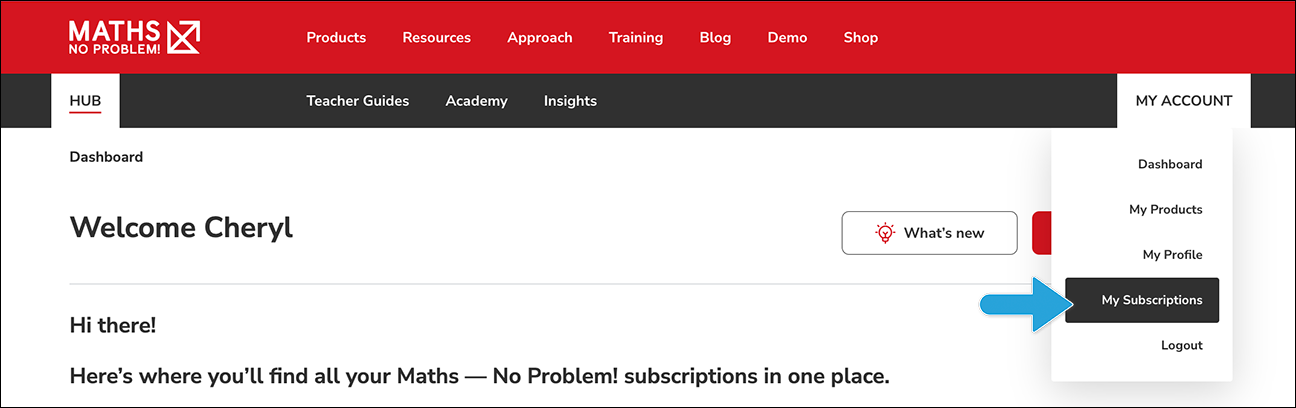
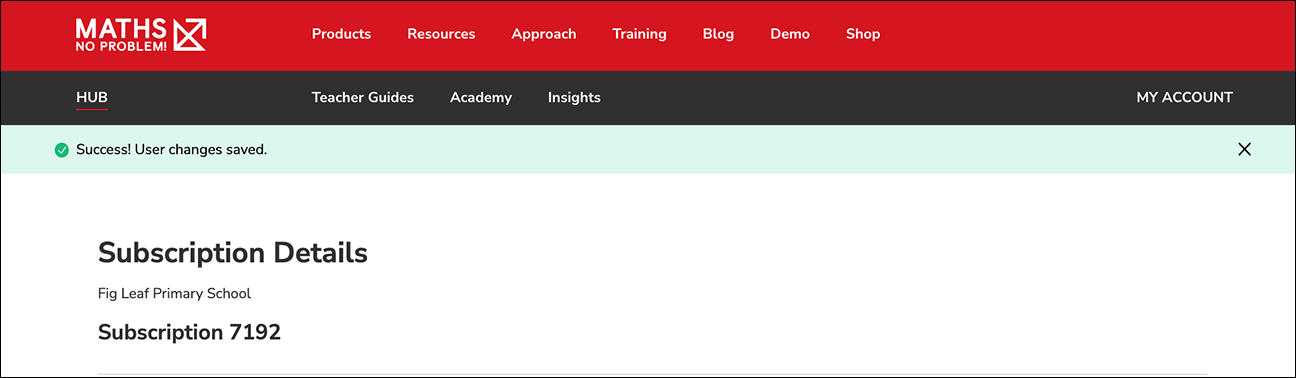
- Firstly, log into the Hub. Then, go to the My Account dropdown menu on the right hand side of the page and click My Subscriptions.
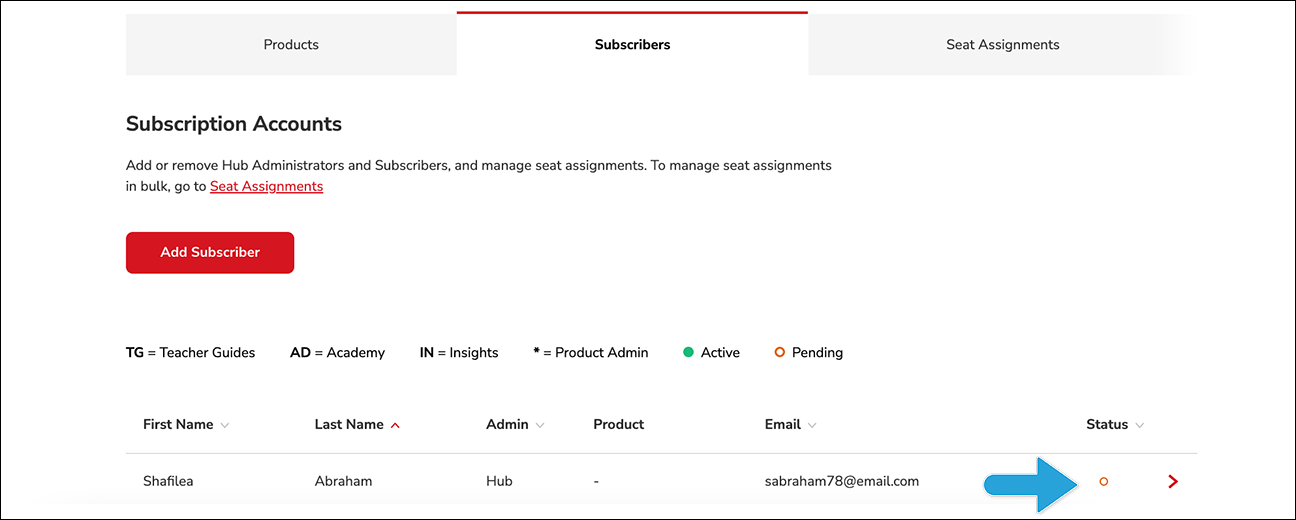
- Click the relevant subscription. Then, click the Subscribers tab and click the subscriber that you would like to assign products to.
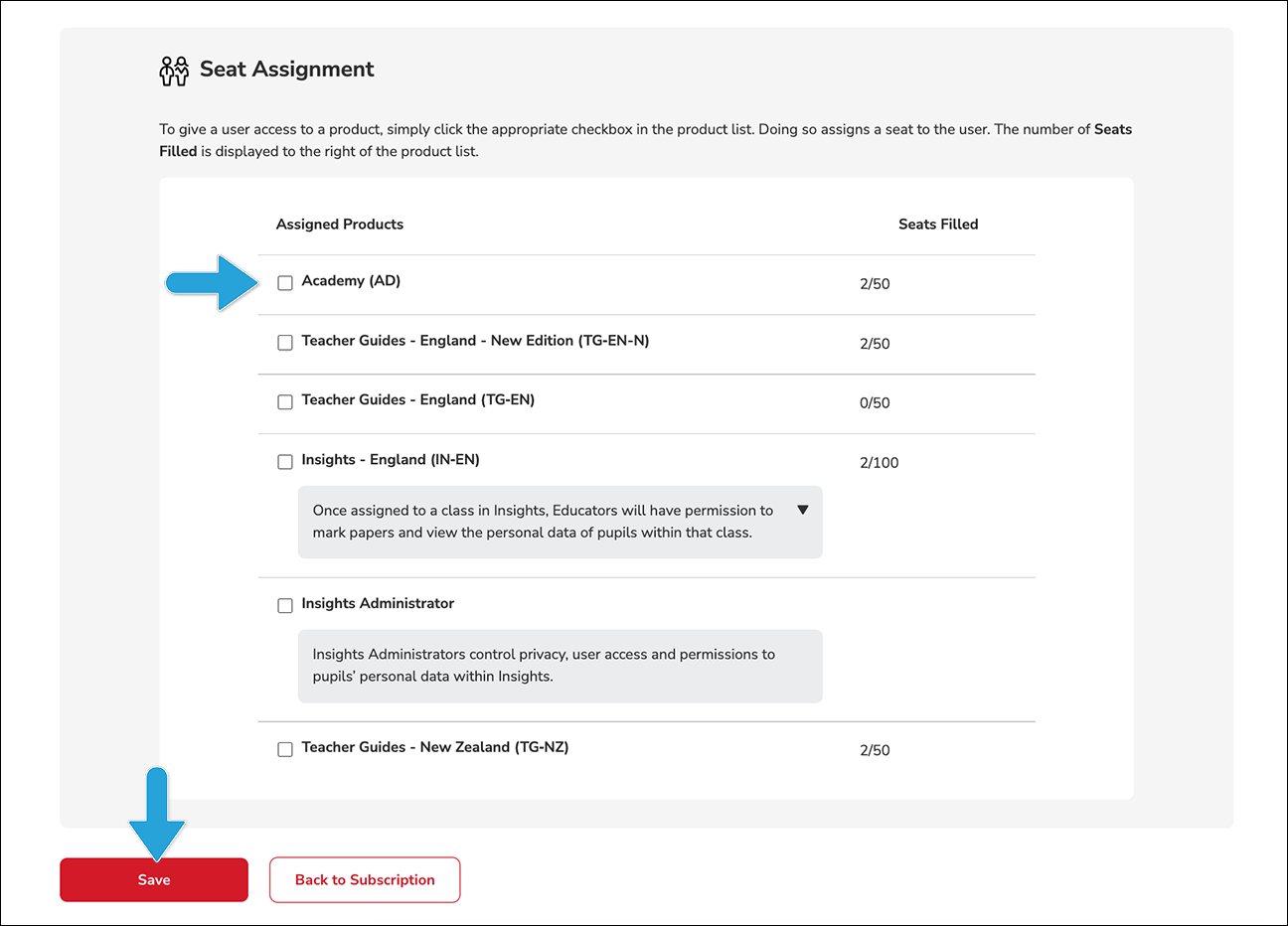
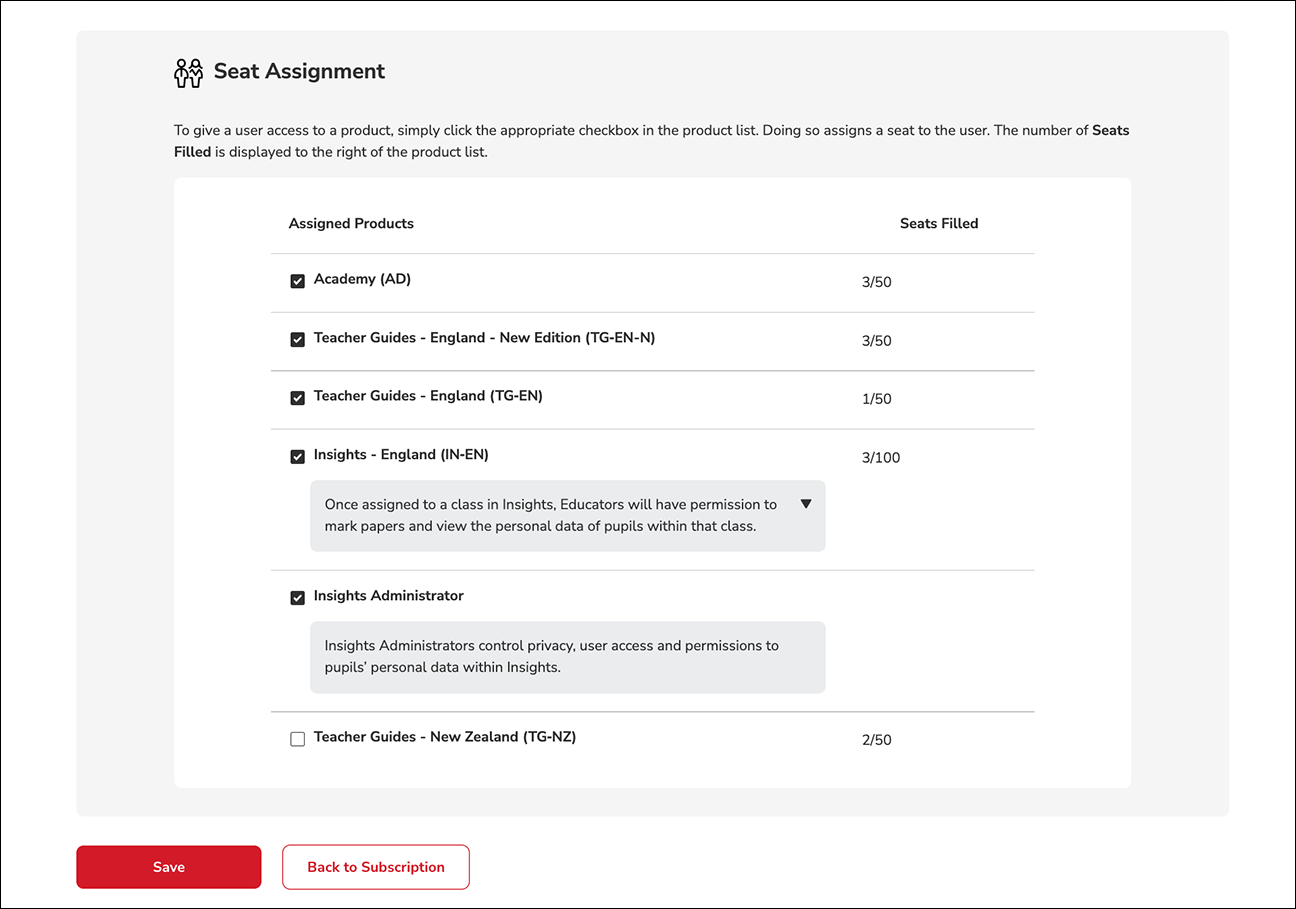
To learn how to assign products to multiple subscribers at once, please read the following guide: